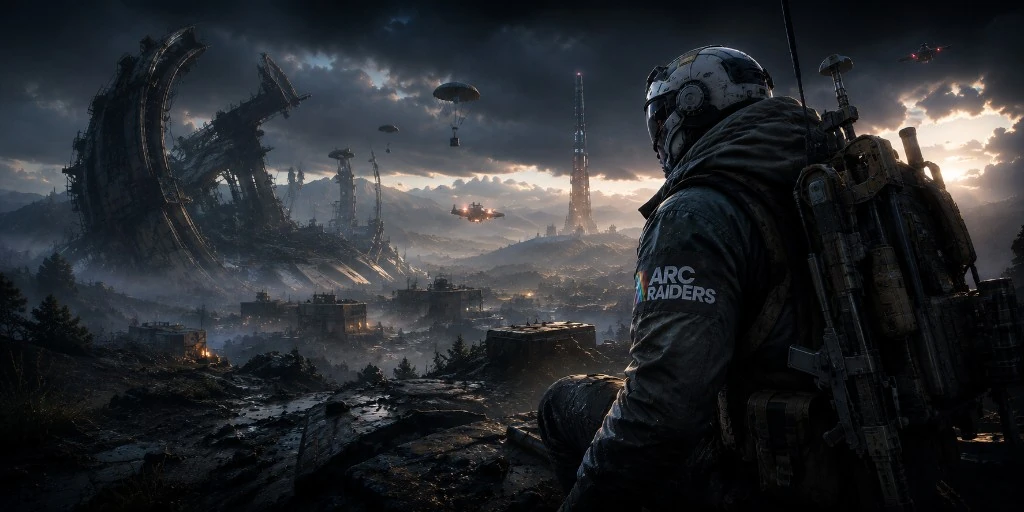
What ESP shows
ARC Raiders ESP includes boxes, distance, and filters for players, ARC machines, and resources.
- Player ESP
- Alien and ARC tracking
- Resource detection
- Extraction monitoring
When to use it
Clear PvPvE raids without flooding the screen.
- Tune opacity
- Filter noise
- Pair with stream-proof overlay
ESP next steps
ESP is included with aimbot and wallhack in one plan.
ESP draws information on the screen so you can read a raid without staring at the map. Player boxes show where a person is standing and how far they are. ARC and alien tracking is separate, because machines are not the same threat as a player. Resource detection marks loot worth walking to. Extraction monitoring is the cue near the end of a raid.
Turn on one category, play a short raid, then add the next. If the screen is full of labels, lower the range or hide a category. Opacity should be high enough to read and low enough that you can still see the game. Pair ESP with the wallhack when you need outlines through cover, and with aimbot only after the boxes already make sense.
ESP is not a separate purchase. It is part of the same Windows license as aimbot and wallhack. The stream-proof overlay hides those drawings from capture software when you turn it on. After a patch, check Updates. An old overlay can fail even when the game itself still launches. Setup covers the first install if the boxes never appear.